ESP32-Based Controller for Up2Stream Devices - “Jukebox Jamz”
Hey everyone! I wanted to share a DIY project I’ve been working on that some of you might find interesting - an ESP32-based web interface for controlling Up2Stream devices.
Why Build This?
I have multiple Up2Stream boards installed in vintage equipment around my house, and while the 4STREAM app works great, I wanted something I could access from any browser without needing to install an app. I also wanted a dedicated wall-mounted tablet interface for quick control - no login, no password, just open and play.
What It Does
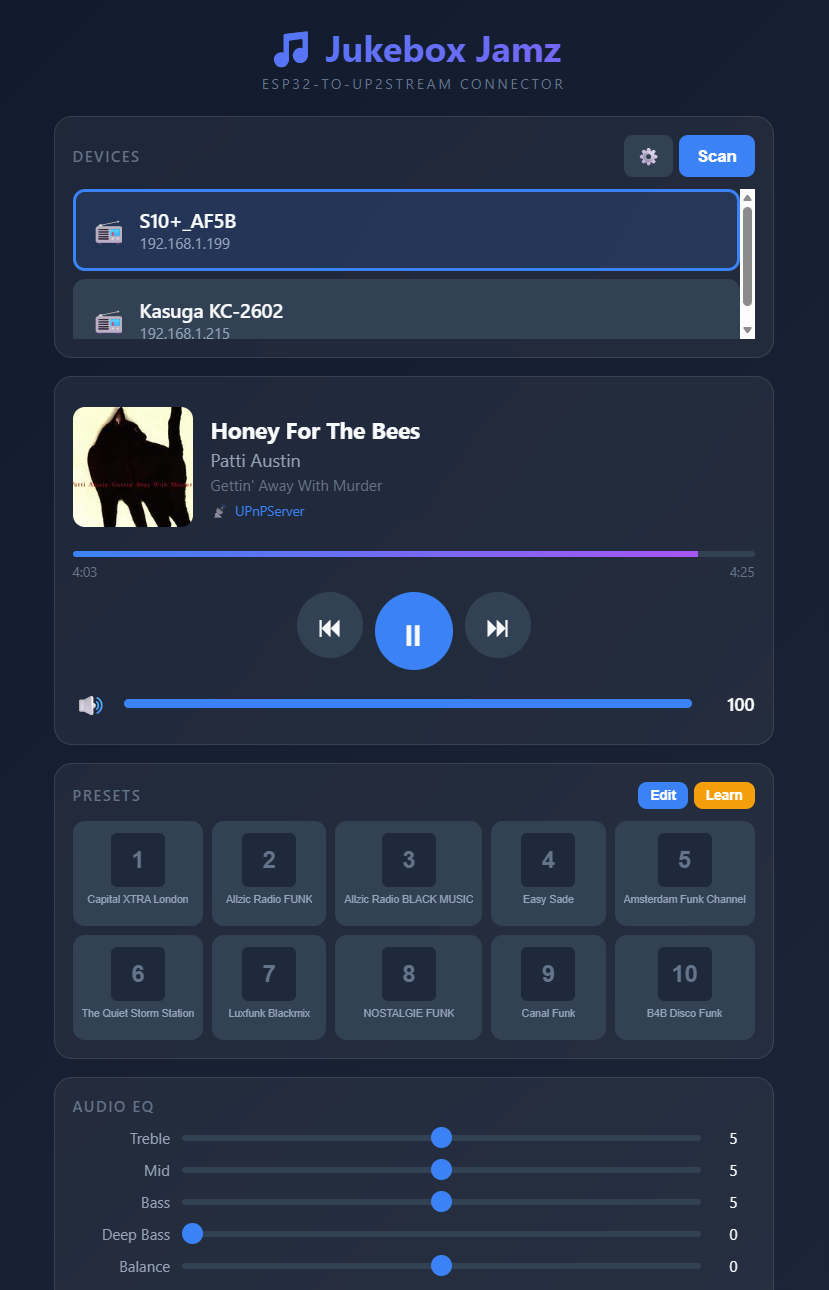
I built a standalone ESP32 controller that serves its own web interface. You access it at http://jukebox.local from any device on your network - phone, tablet, laptop, whatever. No app installation needed, and no password required to access any functions.
Features:
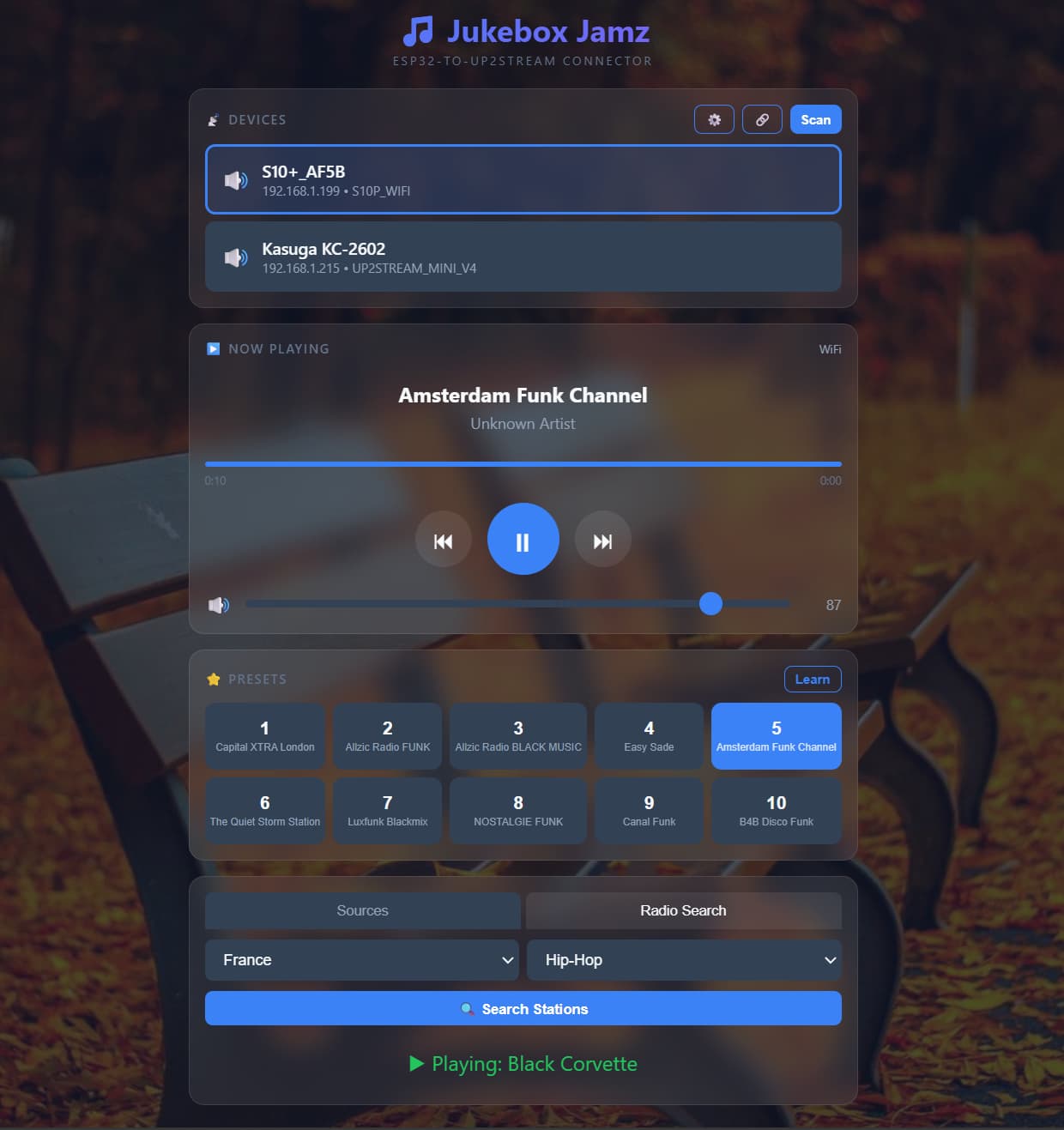
- Auto-discovery - Finds all Up2Stream devices on your network via mDNS and IP scanning
- Multi-device support - Switch between devices with one tap
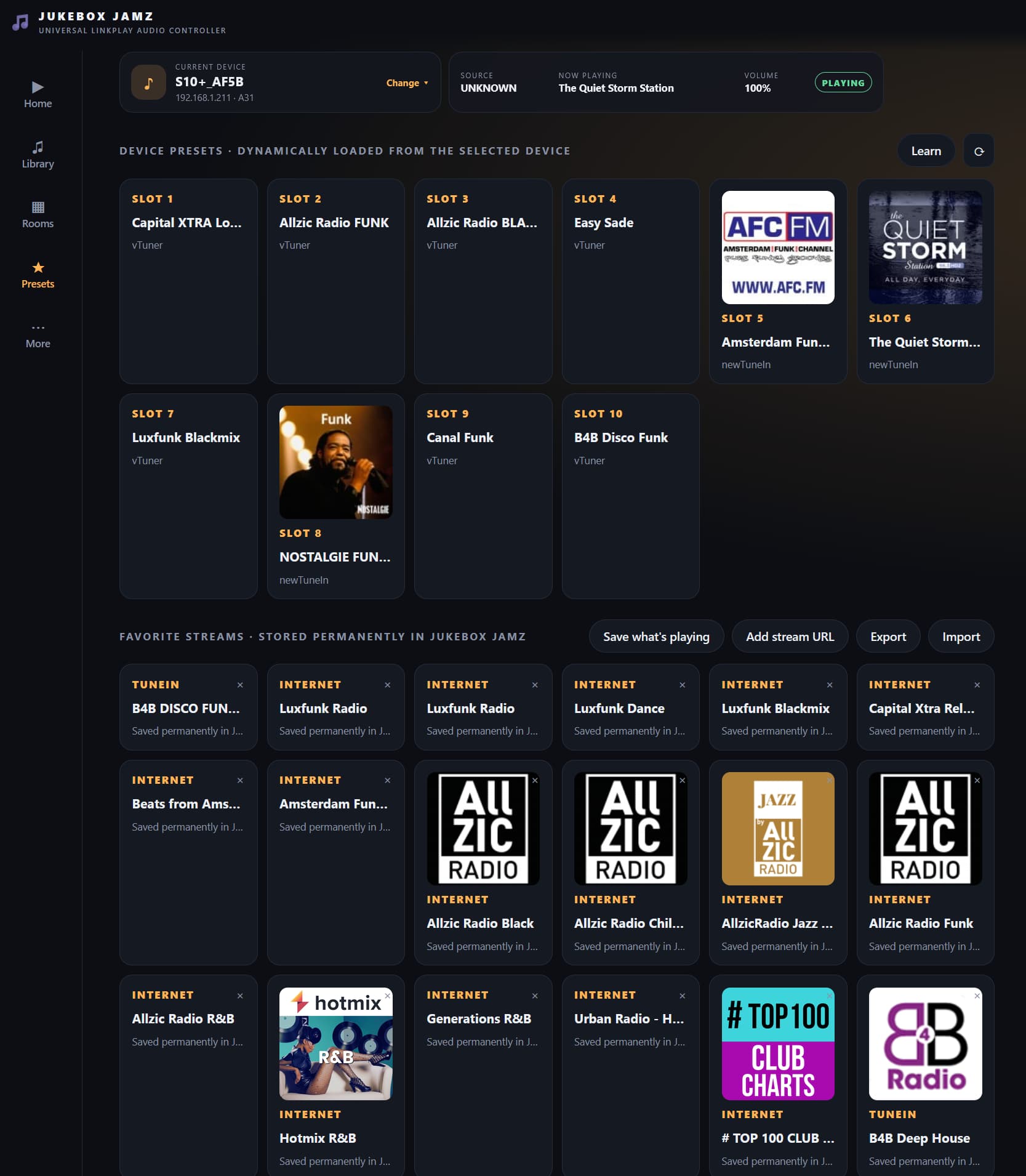
- 10 Presets with “Learn Mode” - Play a station, tap Learn, tap a preset button - it captures the station name automatically
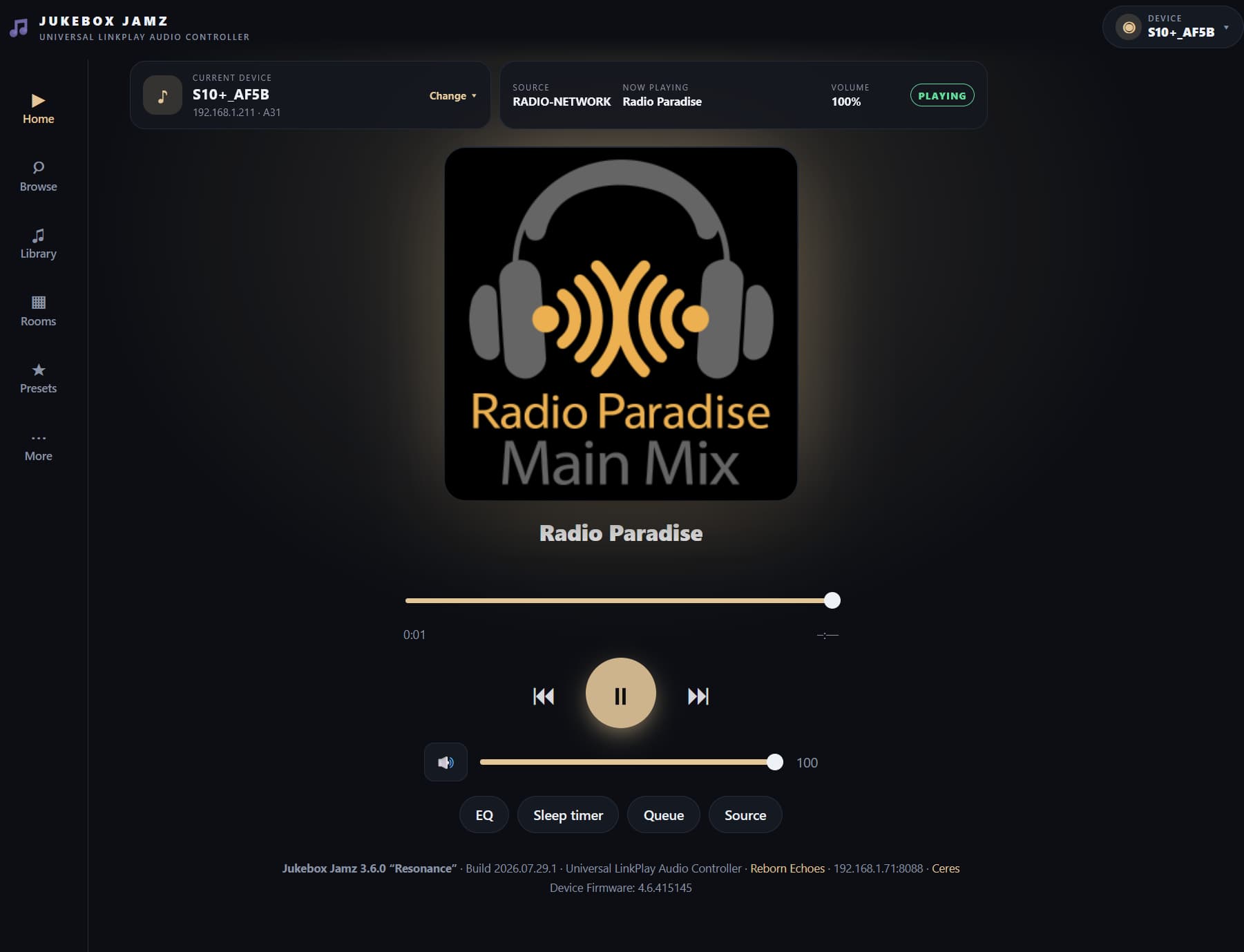
- Full playback control - Play/pause, skip, volume, mute
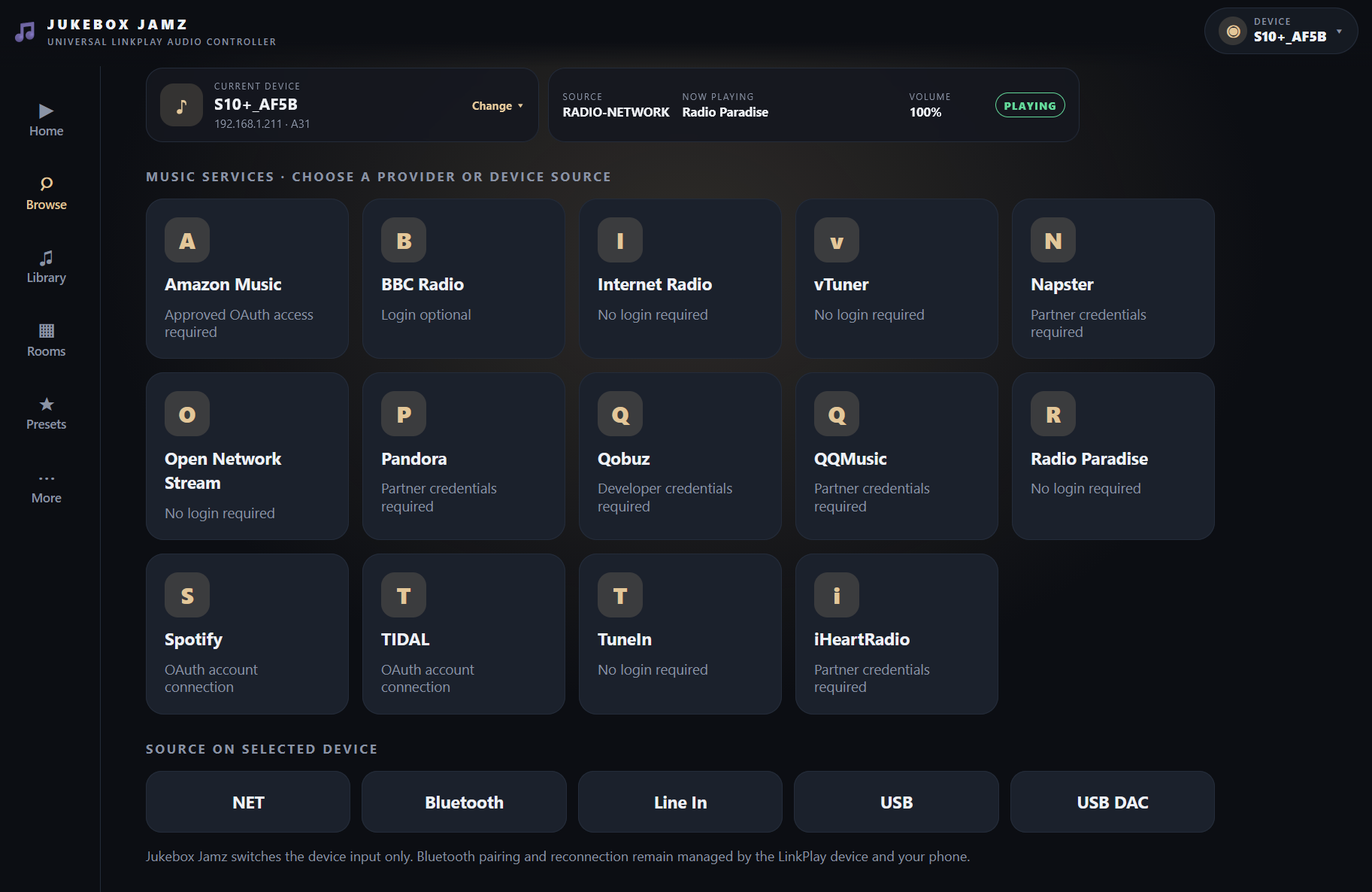
- Source switching - WiFi, Bluetooth, AUX, Optical, USB, DAC, Coax
- Internet radio search - Search by country and genre, play directly
- Multiroom grouping - Create and manage synchronized playback groups just like the 4STREAM mobile app! Select a master device, tap to add slaves, adjust individual volumes, remove devices or ungroup - all from the browser
- Customizable backgrounds - Just for fun, pulls random themed images
How It Compares to the Built-in Arylic Web Interface
For those who don’t know, each Up2Stream device has a built-in web interface at its IP address (e.g., http://192.168.1.10). Here’s how my ESP32 controller compares:
| Feature | Arylic Built-in | ESP32 Jukebox Jamz |
|---|---|---|
| Access method | Device IP only | mDNS hostname (jukebox.local) |
| Authentication | PW required | None - instant access |
| Multi-device | One device per page | All devices in one interface |
| Device discovery | Manual IP entry | Automatic network scan |
| Preset names | Can’t customize | Custom names + auto-learn |
| Radio search | Limited | Full search |
| Multiroom | Not available | Full group management (like 4STREAM app!) |
| Mobile-friendly | Basic | Fully responsive |
| Customization | None | Themes, backgrounds |
| Always available | Only when device on | Dedicated controller |
Where the built-in interface wins:
- Direct connection (no middleman)
- No additional hardware needed
- Shows more technical details (firmware, network config) -FIXED
- EQ and advanced audio settings - FIXED
Where my ESP32 wins:
- Single interface for ALL your Up2Stream devices
- Much faster device switching
- No password or login required - just open and control
- Multiroom control from any browser (the killer feature for me - same convenience as 4STREAM app but on any device!)
- Preset learning captures station names
- Works great on wall-mounted tablets
- mDNS means you never need to remember IP addresses
The Hardware
Super simple - just an ESP32 dev board. I’m using an ESP32-S3 but any WiFi capable ESP32 works. Total cost maybe $8-10. Power it via USB.
For my setup, I have it running 24/7 on ESP32 board mounted beneath my desk and a wall-mounted tablet in my living room. The tablet just has a browser bookmark to http://jukebox.local.
Technical Notes
The ESP32 talks to your Up2Stream devices using the same HTTP API that the 4STREAM app uses. It’s basically a proxy/aggregator that makes controlling multiple devices much more convenient.
The multiroom feature was the main reason I built this. I wanted the same “tap to group devices” experience from the 4STREAM app, but accessible from a wall tablet or laptop. It uses the documented API commands:
- ConnectMasterAp:JoinGroupMaster for grouping devices
- multiroom:getSlaveList for getting group status
- multiroom:SlaveVolume for individual slave volume control
- multiroom:SlaveKickout for removing devices
- multiroom:Ungroup for dissolving the group
Works exactly like the mobile app - pick a master, add slaves, they all play in sync.
Would Anyone Want the Code?
If there’s interest, I’m happy to share the Arduino sketch. It’s a single .ino file, about 1200 lines including the embedded HTML/CSS/JavaScript.
Fair warning - it’s definitely a hobbyist project, not polished commercial software. But it works great for my needs and might give others a starting point for their own customizations.
Let me know if you have questions! Always happy to chat about Up2Stream projects.
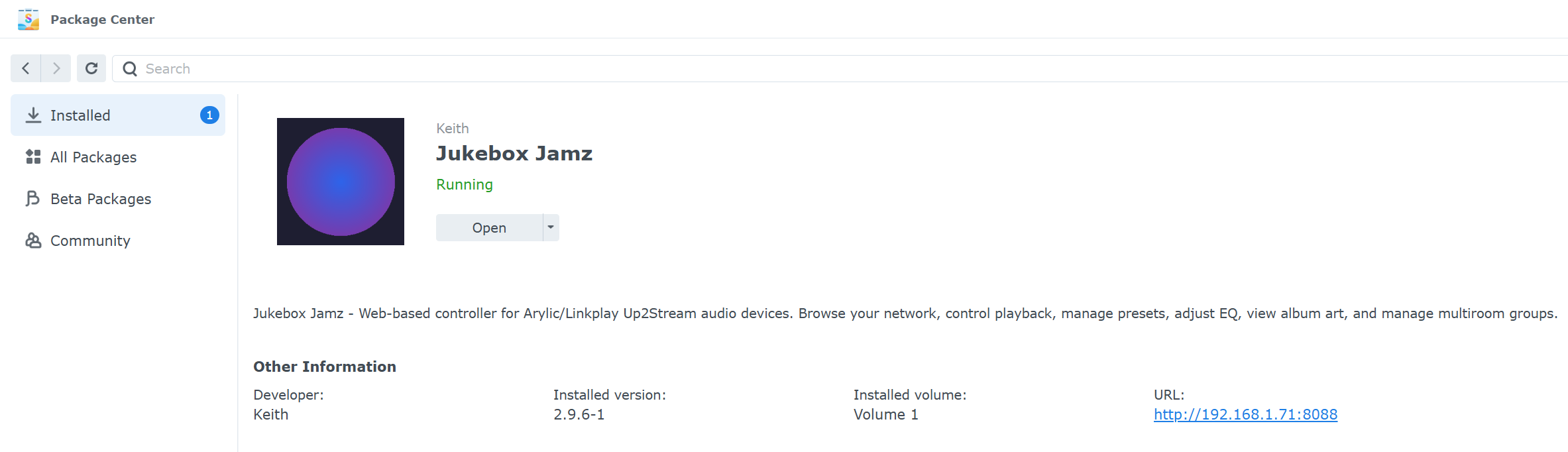
 Jukebox Jamz v3.6.0 “Resonance” is here!
 Highlights in the “Resonance” release:
 Room-Based Audio Management
 New Provider-Based Architecture
 New Browse Hub
 Playback Session Engine
 Enhanced Audio Controls
 Configuration Backup & Restore